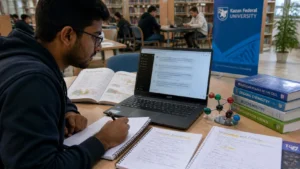
Using AI to Understand Science Concepts
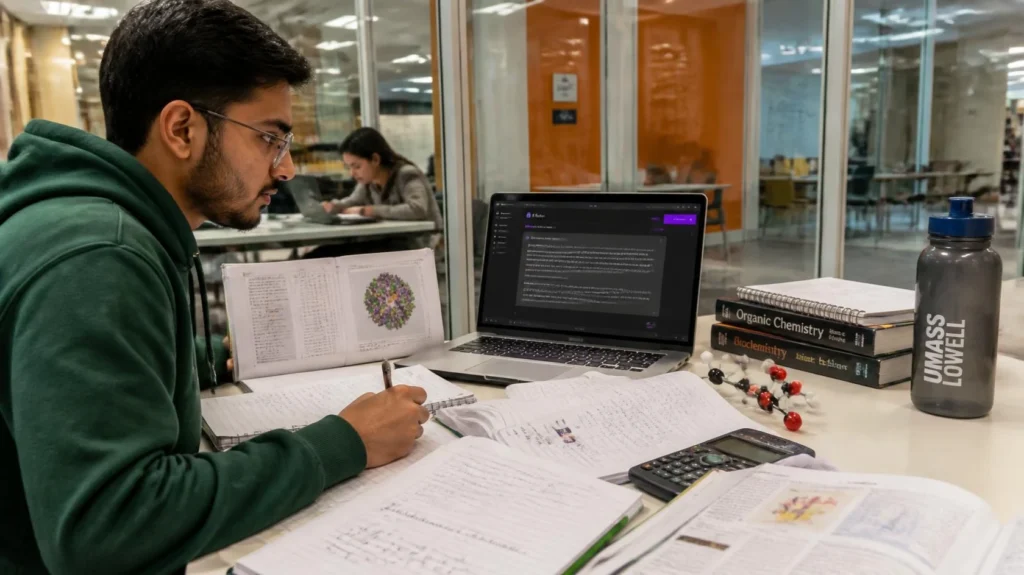
Understand Science Concepts more effectively by combining curiosity with the power of artificial intelligence. Rather than relying on memorization alone, imagine having a study companion that can explain difficult ideas from different perspectives, answer follow-up questions instantly, and adapt explanations to your level. Whether you are preparing for an exam, reviewing laboratory materials, or exploring a new scientific topic, AI helps transform science learning into a more interactive and personalized experience. As educator Sal Khan, founder of Khan Academy, explains, “AI has the potential to provide every student with a personal tutor.” When combined with critical thinking and reliable academic sources, AI helps students build stronger scientific reasoning instead of simply finding quick answers.
Learning Science Concepts With AI
Science is not only about remembering facts, it is about understanding why things happen and how different concepts connect with one another. That is why AI for Science Learning has become an increasingly valuable resource for students who want to study more efficiently while still developing genuine comprehension.
Exploring Science Topics At KFU
KFU provides an academic environment where students can explore Biology, Chemistry, Physics, and Mathematics through structured learning experiences. AI can complement this journey by helping students break complex subjects into smaller, easier-to-understand discussions before or after lectures. Instead of feeling intimidated by unfamiliar terminology, students can gradually build confidence while connecting new information with previous knowledge.
Identifying Core Scientific Principles
Every scientific topic is built upon fundamental principles. Rather than asking AI for complete answers, students benefit more from requesting explanations about causes, relationships, and scientific reasoning. This approach strengthens conceptual understanding and encourages analytical thinking instead of passive memorization.
Preparing Concepts For AI Learning
The quality of AI responses depends greatly on the quality of the questions being asked. Preparing concise prompts, identifying the exact concept that feels confusing, and providing enough context allow AI to generate clearer explanations that support meaningful learning.
Using AI To Simplify Science Learning
Once the fundamentals are understood, AI becomes even more useful for organizing information into practical knowledge. AI for Science Learning supports students by simplifying complex materials while encouraging them to verify every explanation with trusted academic references.
Explaining Complex Science Concepts
Scientific concepts often become easier to understand when explained using analogies, diagrams, or real-life examples. AI can present multiple explanations until students find one that matches their learning style. Instead of memorizing isolated facts, learners begin connecting theories with observable phenomena, making the knowledge more durable.
Summarizing Scientific References
Reading scientific journals or lengthy textbook chapters can be time-consuming. AI helps summarize key findings, identify important terminology, and organize information into concise study notes. However, these summaries should always be compared with the original references to ensure accuracy and preserve scientific integrity.
Connecting Theory With Practice
Science becomes meaningful when theoretical knowledge is connected with practical applications. AI can generate case studies, everyday examples, and laboratory scenarios that help students visualize abstract concepts, making difficult lessons easier to remember and apply.
Strengthening Science Understanding
Strong scientific understanding develops through continuous practice, reflection, and verification. AI supports this process best when it encourages curiosity rather than replacing independent thinking.
Reviewing Laboratory Concepts
Before entering the laboratory, students can use AI to review experimental procedures, identify variables, and refresh safety protocols. This preparation helps reduce confusion during practical sessions while allowing students to focus on observation and analysis.
Verifying AI Insights With Faculty
Although AI provides quick explanations, academic verification remains essential. Professor Geoffrey Hinton, widely recognized as one of the pioneers of artificial intelligence, reminds us that “AI is an incredibly powerful tool, but human judgment remains essential.” Discussing AI-generated explanations with lecturers and comparing them with textbooks ensures that students develop accurate scientific understanding.
Applying AI Responsibly At KFU
Responsible AI use means treating artificial intelligence as a learning assistant rather than a replacement for critical thinking. At KFU, combining classroom instruction, laboratory experience, faculty guidance, and AI-assisted learning creates a balanced educational approach that strengthens both knowledge and problem-solving skills.
Explore Smarter Science Learning At KFU
The greatest advantage of AI is not that it delivers answers instantly, but that it encourages students to ask better questions. When curiosity leads the learning process, technology becomes a bridge toward deeper scientific understanding rather than a destination itself. Every question explored carefully becomes another opportunity to discover how science explains the world around us.
If you are ready to learn more effectively, start using AI wisely to Understand Science Concepts, keep questioning every explanation, and continue learning with confidence.